![ably-logo-faqs-neg.png]](https://faqs.ably.com/hs-fs/hubfs/ably-logo-faqs-neg.png?height=40&name=ably-logo-faqs-neg.png)
Follow these steps to access your account dashboard page. Once logged in, you will always be able to access your dashboard by clicking on the Dashboard link in the top left of the header navigation.
1. Login
Click the login link in the top right of the header navigation
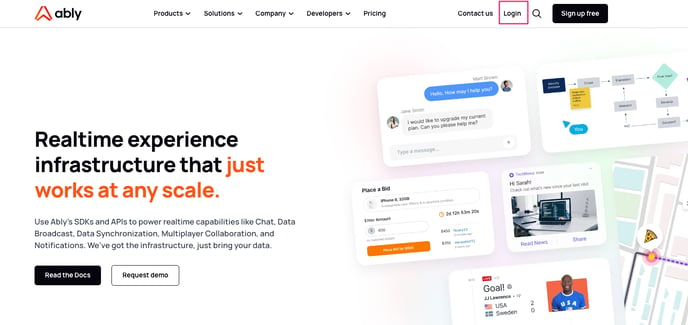
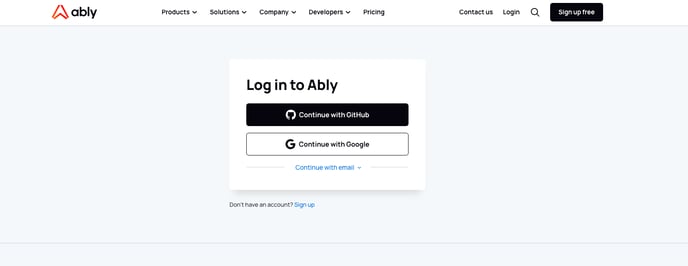
to open up the login dialog box and choose your login method
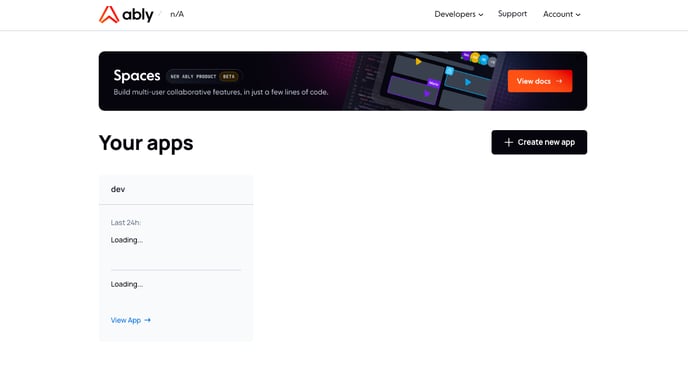
2. Once logged in successfully, you will be taken to your account dashboard page which will list the apps within your account
Reach out on our support portal if you have any further questions and we will be happy to help.